
Interface
Basic | Chat | Status | Friend | PK | Guild | Action | Trade | Team | Options
Chat
|
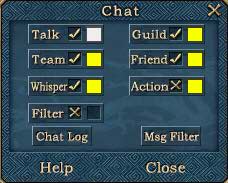
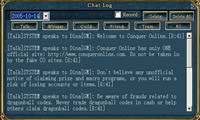
1. Chat:
|
|
|
2. Add / Remove Chat Target:
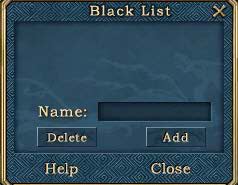
Hold the shift key. Click on the target. You can place target names in the chat list by pressing the " + " button. |
|
3. Talk:
Click on " Talk " to select a chat channel.
Talk: Nearby players receive message. |
|
|
4. Select Target: There are four kinds of ways to target a player you wish to talk to: i. Type their name in the box.
5. Clear:
Click on this to clear screen. |
|
 Click on the icon. Choose from the list of names. Type your message. Press Enter.
 to add a name in the target bar. Next time you want to chat, just select them from the list.