
Interface
Basic | Chat | Status | Friend | PK | Guild | Action | Trade | Team | Options
Friend
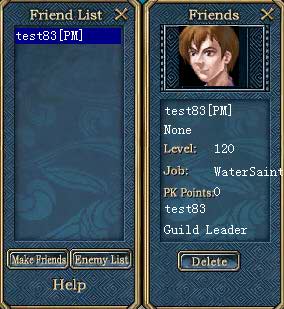
| 1. Friend Window: Open Friend window. Click on "Make Friends", then click on another player. A request will be sent to the other player. If he or she accepts the friendship, their name will appear in your friend list. | |
Friend List: Shows players friends. |
|
2. Display:
If your friend is online, his/her name will be white. If he/she is offline, his/her name will be red.
If your friend/enemy is online, his/her portrait will be shown on the top box of status window, it will disappear once he/she is offline.
|
3. Offline Message:
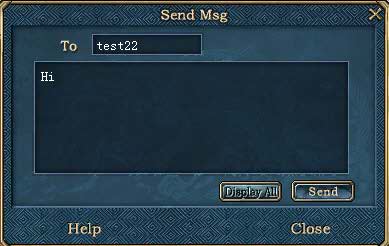
If your friend is off-line, you can leave them an offline message. They will see it the next time they login to Conquer. Simply double-click on his or her name on the friend list, then write your message into the box provided and click on the "Send" button. |
|