
Interface
Basic | Chat | Status | Friend | PK | Guild | Action | Trade | Team | Options
Status
Click on status button to see your character`s information, including basic data, equipment and weapon proficiency. There are four tabs on the side of the Status window, each of which opens a display of different character data.
1. Basic Status:
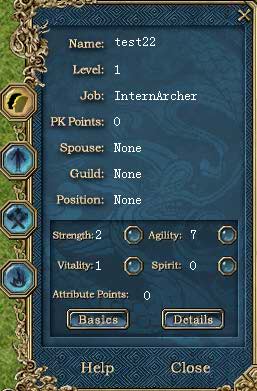
Character's numerical data. Job: Your profession. Strength: Determines attack damage. Weapons have strength requirements. |
|
|
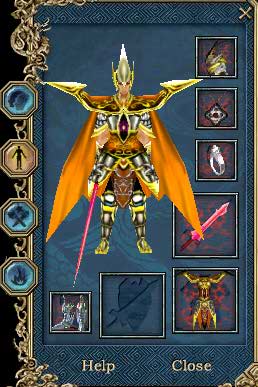
There are additional statistics that can be viewed by clicking on "Details". Attack: Physical attack damage.2. Equipment: The second tab displays everything your character is wearing -that is, all the items he has equipped. Equip: Drag items from pack to the equip slot or right-click items in pack. |
|
3. Skills:
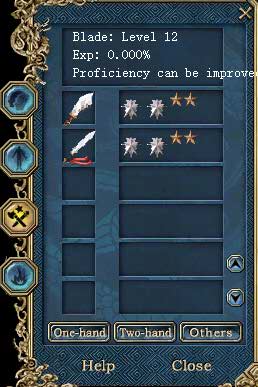
In the Skill tab, you can see the weapons that you have trained in, and how good you are at using them. Type & Level: Click on the weapon icon to display the skill details. You can see the skill name and the level you have with that weapon. |
|
|
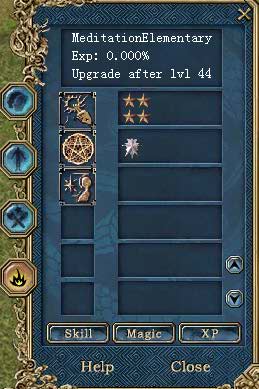
4. Spells & Skills:
The forth tab opens the Skill window. |